Creative Possibilities with Our Tuck Tag Canva Template Set
There's something uniquely satisfying about holding a beautifully crafted tuck tag in your hands. Whether attached to a handmade gift, used as a bookmark, or incorporated into a journal spread, these small details elevate ordinary projects into something memorable. Our Tuck Tag Canva Template Set gives you the foundation to create these moments without starting from scratch. Instead of wrestling with dimensions and layouts, you receive a polished starting point ready for your creative vision.
What Exactly Are Canva Frame Templates?
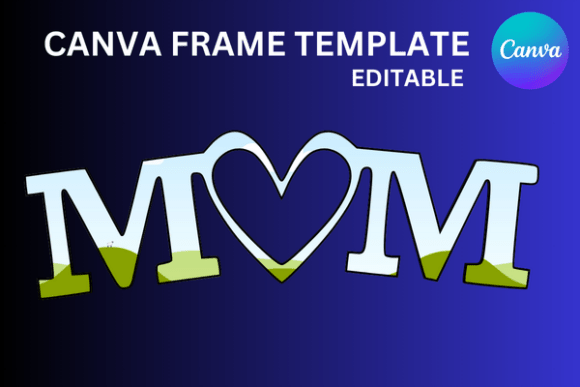
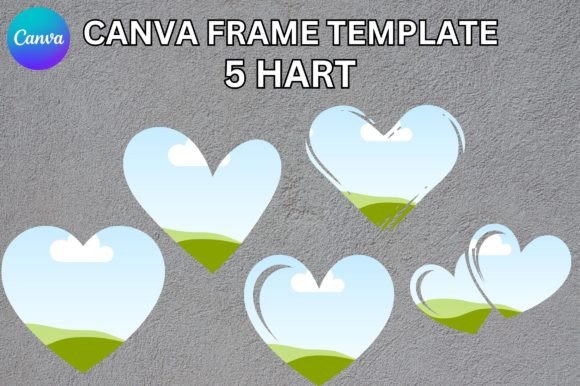
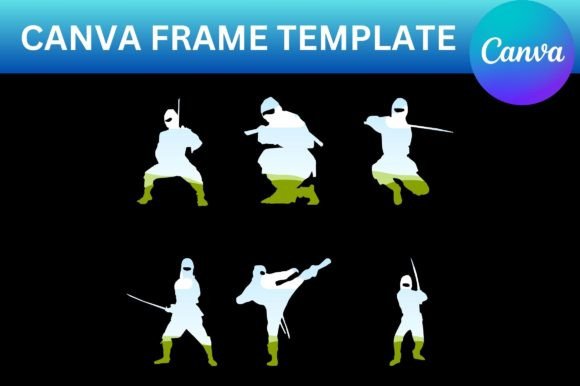
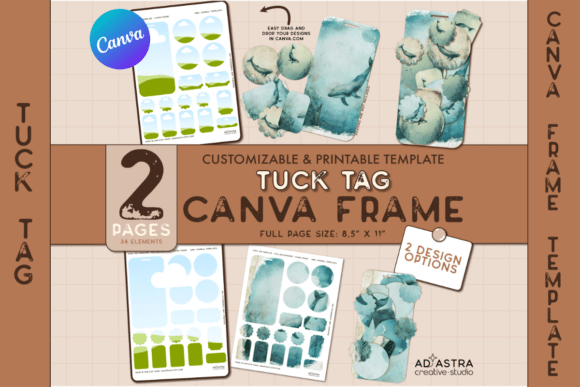
Canva Frames function as design containers. Think of them as digital die-cuts that hold your artwork, photographs, or patterns within predefined shapes. When you apply a design to a frame in Canva, it automatically crops and fits your content to that specific shape. This means you can take any image, texture, or illustration and instantly see how it looks as a tuck tag without manual resizing or masking. The Tuck Tag Canva Template Set includes two pages of these frames, each engineered to accept your designs seamlessly. The result is a professional-looking tag every single time.
The visual personality of these templates leans toward versatility. They aren't locked into one aesthetic, which is precisely their strength. A frame doesn't dictate style; it provides structure. You might apply a minimalist line drawing to one tag and a rich watercolor texture to another, and both will look intentional because the underlying frame maintains consistent proportions. This adaptability makes the set valuable across wildly different projects, from rustic wedding favors to sleek corporate event packaging.
Where Tuck Tags Make a Real Difference
Consider a small business owner preparing product shipments. A branded tuck tag tucked into each package reinforces brand identity in a tactile, personal way that digital receipts cannot match. A blogger hosting a workshop might create custom tags as name badges or conversation starters. Crafters frequently use tuck tags in scrapbooking and junk journaling, where layered textures and mixed media compositions benefit from these structured elements. The applications extend into packaging design, event planning, retail merchandising, and even editorial design for magazine inserts or promotional mailers.
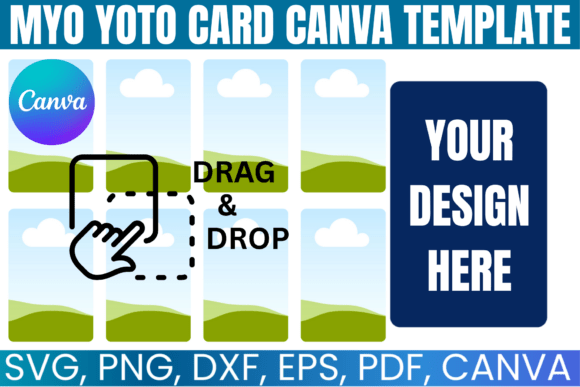
What makes this particular set practical is the included flexibility. You receive two creative options for applying your designs. The first lets you establish a cohesive look across an entire sheet, perfect when you want uniformity for a product line or event. The second option allows you to customize individual tags with distinct designs, ideal for personalized gifts or varied journaling elements. This dual approach respects how people actually work, sometimes needing consistency, sometimes needing variety.
Practical Guidance for Getting Started
You don't need a paid Canva subscription to use these templates. A free account handles everything this set requires. Once you purchase the template, you'll receive a PDF guide containing a direct link to the Canva file along with a step-by-step walkthrough for using Canva Frames. This guide eliminates guesswork, especially if you've never worked with frames before.
Here's a straightforward approach to making the most of the Tuck Tag Canva Template Set:
- Open the template link from your PDF guide. Canva will prompt you to make a copy, which saves it to your own account without altering the original.
- Browse the frame layouts across both pages. Notice how each frame corresponds to a specific tag shape and size.
- Upload your designs into Canva's upload panel. This could be brand patterns, custom illustrations, photographs, or textures you've sourced.
- Drag your design onto a frame. Canva automatically clips it to the tag shape. Adjust positioning by double-clicking the frame and repositioning the image inside.
- Customize further by editing text elements, adjusting colors, or layering additional design assets directly within Canva.
The drag-and-drop interface keeps the process accessible. Even someone who identifies as a hobbyist rather than a designer can produce polished results within minutes.
Design Considerations Worth Noting
When selecting artwork for your tuck tags, think about scale. A pattern designed for a full-page background might lose its impact when compressed into a small tag. Conversely, a single bold motif might feel oversized. Test a few options before committing to a print run. Canva makes this easy because swapping images inside frames takes seconds.
Color contrast matters on small-format items like tuck tags. If you're adding text to your design, ensure sufficient contrast between the typography and background for readability. A sans serif font in a medium weight typically performs well at small sizes, while a delicate script font might need to be larger to remain legible. Pair a bold display element with something simpler to create effective visual hierarchy even within a compact space.
For those building a cohesive brand identity, tuck tags offer an underutilized touchpoint. Apply your existing brand colors, logo, and font pairing to the templates, and suddenly you have a physical extension of your digital presence. This kind of consistency builds recognition and communicates professionalism without requiring a large budget or specialized printing knowledge.
Making the Template Set Work for You
The true value of a resource like the Tuck Tag Canva Template Set lies in repeatability. One purchase supports dozens of projects over time. Create holiday gift tags in December, product tags for a spring collection launch, and personalized journaling elements for a weekend crafting session, all from the same template foundation. The frames remain constant while your creativity defines the outcome.
Evaluate your project needs before diving in. If you're producing tags for commercial use, verify that any third-party images or design assets you incorporate carry appropriate commercial licensing. Canva's own library includes both free and Pro elements, so check individual asset licenses before finalizing designs for sale or distribution.
Experimentation costs nothing in Canva. Duplicate your design, try a completely different aesthetic, and compare results side by side. This iterative approach is how experienced designers arrive at stronger solutions, and these templates make that process frictionless. Whether you're a seasoned creative professional or someone who simply enjoys making beautiful things, this set removes technical barriers and lets you focus on what actually matters: the design itself.